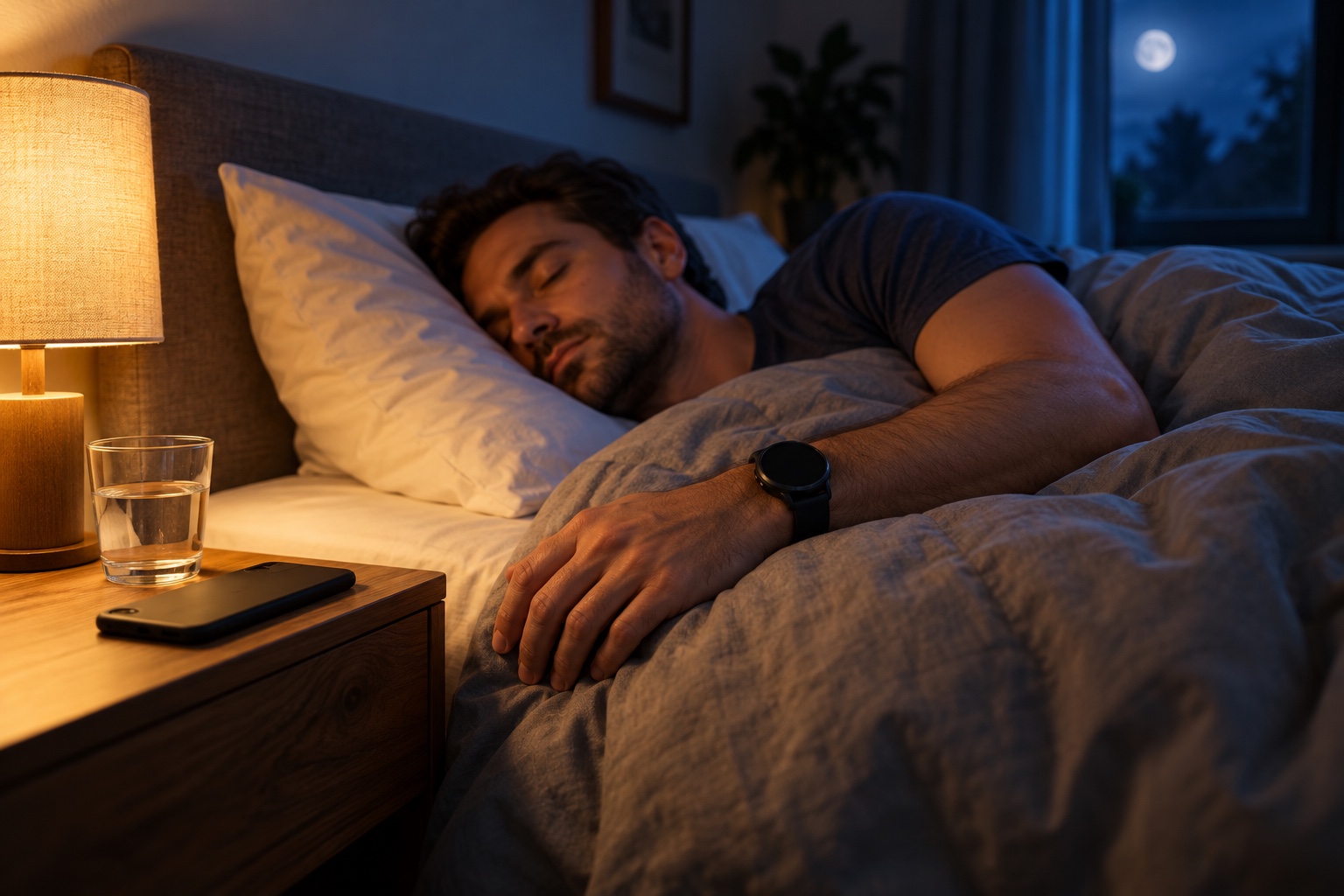
A man asleep in bed at night, a round smartwatch on his wrist and his phone face down on the nightstand by a warm lamp.
One question has reached us more often than almost any other: is there an Android version?
Until now the answer has been no. Today it is: nearly. SleepSafe for Android phones and Wear OS watches is in a closed test on Google Play, and we are looking for people to try it.
Why it took this long
SleepSafe is built by a very small team. The iPhone and Apple Watch app came first, and getting detection right on one platform took years of nights, test users and corrections. We did not want to ship something on Android that only looked like SleepSafe.
So the Android app is not a lighter cousin. It is a port of the current iPhone version, feature by feature, rebuilt for Android and Wear OS. Where the two platforms work differently, we chose what feels natural on Android instead of copying Apple's way of doing things.
Your watch does the protecting
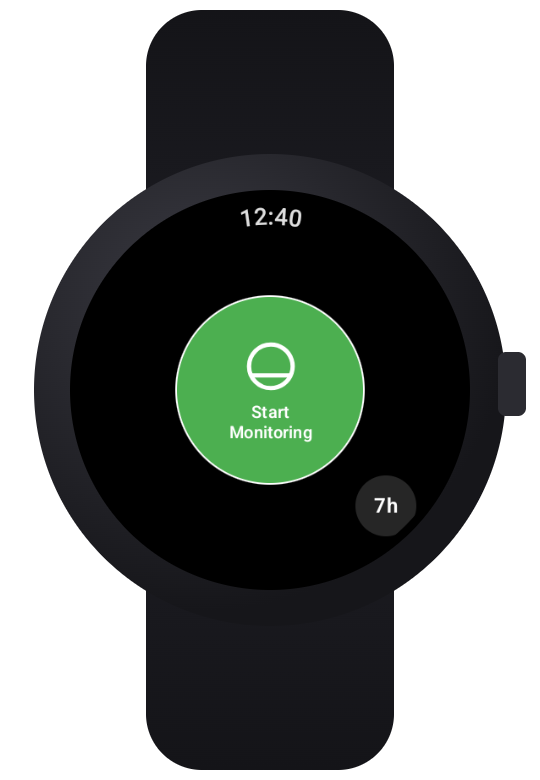
Starting a night on the watch
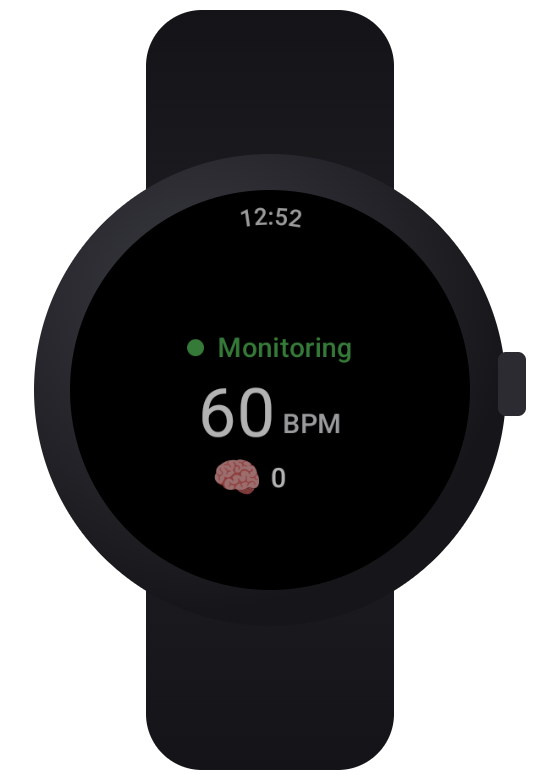
Monitoring through the night
Just as on Apple Watch, the watch is what keeps you safe. SleepSafe on your Wear OS watch reads your heart rate and movement through the night. An on-device machine learning model looks for the early signature of a nightmare, and a separate check watches for the sudden heart rate rise of a night terror: 75 beats per minute or more above the lowest reading within 30 seconds.
When it finds one, the watch responds with gentle taps, designed to ease you out of the episode without waking you fully. Then it asks quietly: are you in distress? No, yes, or I'm not sure. If you would rather be woken, Vibrate Until Wakeup keeps the watch vibrating until you wake and stop it.
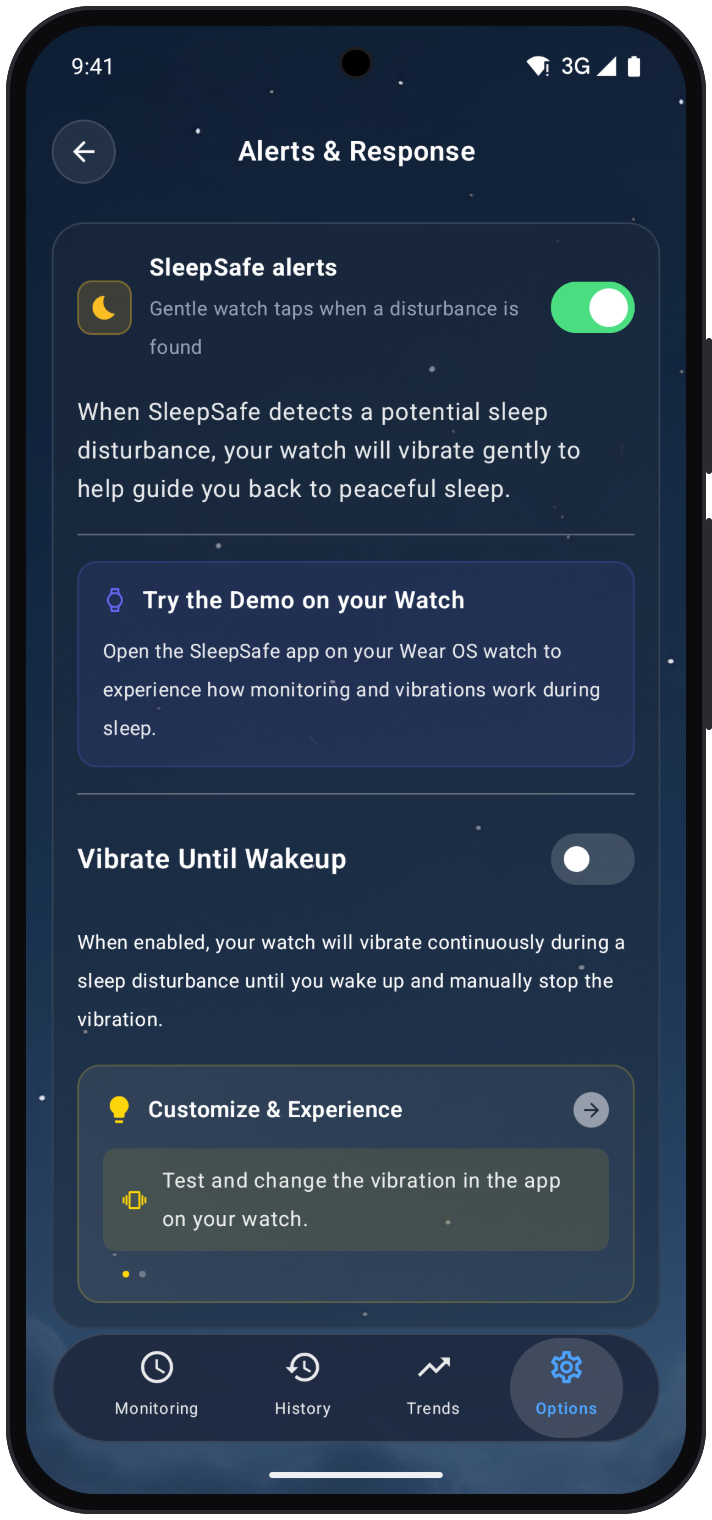
Your phone can listen too. With audio monitoring on, it recognises sounds such as screaming, crying and gasping on the phone itself, and nudges your watch when it hears distress. It also keeps short recordings of loud moments so you can listen back in the morning. Those recordings stay on your phone unless you choose to share them.
You can feel the taps before you need them. The watch app has a demo that walks through a night, from monitoring to a detected moment, the vibration and a summary, so you know what to expect while you are still awake.
Everything else you know from iPhone
The morning report. SleepSafe asks you about each moment it flagged, so it learns what really happened. Events are marked Protected, False Alarm, Reported or Unknown, the same as on iPhone.
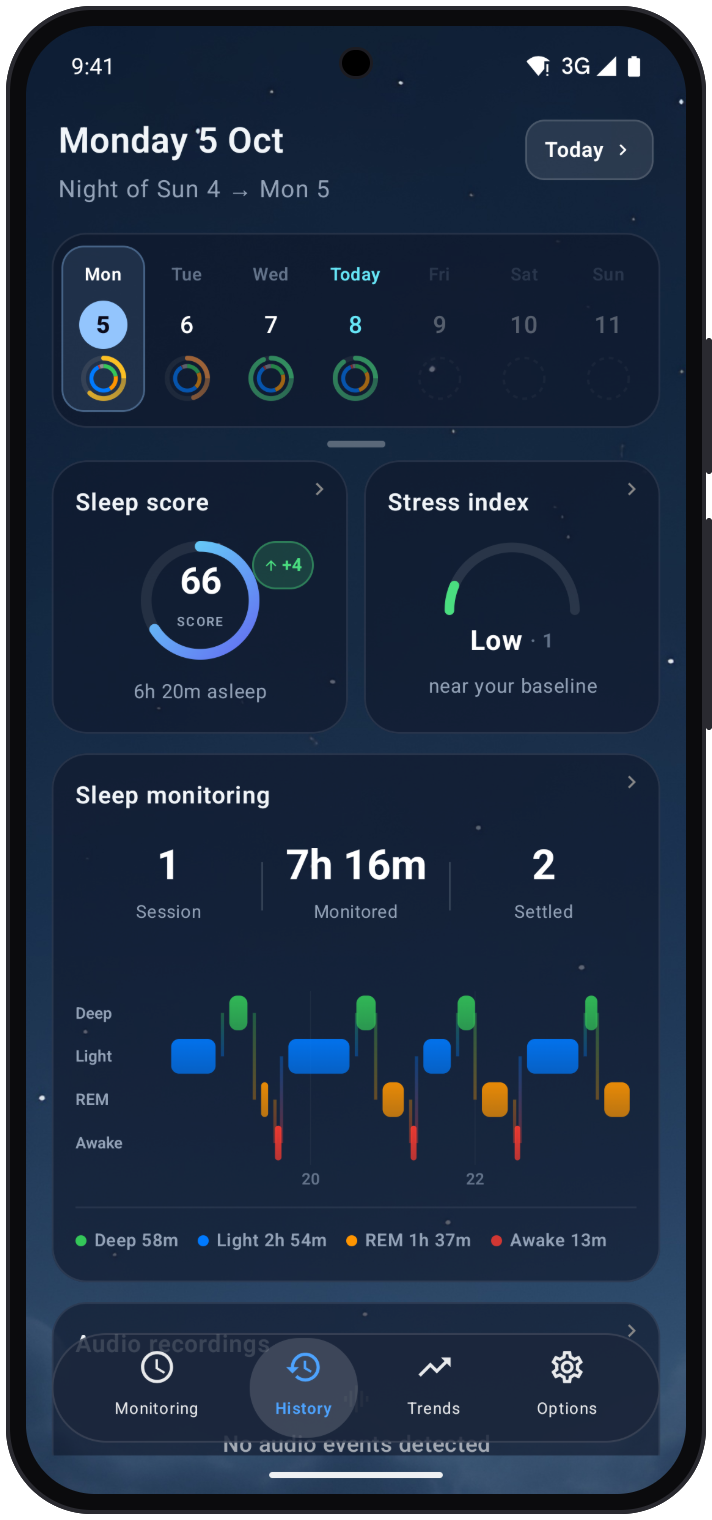
History and trends. Your sleep score, stress index, sleep stages and sleep debt, night by night and over time.
Scheduled gentle wake-ups. For night terrors that run on a clock, a soft wake-up shortly before the usual time.
Personalisation. After about five nights, SleepSafe can build a setup tuned to your own nights, right on your phone. Here is how that works.
A few things look different because Android does them differently. Sleep stages, the sleep score and stress insights come from Health Connect, Android's home for health data. While you sleep, an ongoing notification shows that monitoring is on. And there are home screen widgets for starting a night, checking on it and seeing your stress index.
What is not there yet
On iPhone, SleepSafe can transcribe sleep talking in its recordings. The Android version cannot do that yet. It is on the list.
This is also a test. You may find rough edges, and some phones and watches will behave in ways we have not seen yet. That is exactly why we are asking for testers before anyone else.
What you need
An Android phone running Android 8.0 or later, and a Wear OS watch with a heart rate sensor running Wear OS 3 or later, such as a Samsung Galaxy Watch or a Google Pixel Watch. The watch is needed: it is what reads your heart rate and delivers the taps. Here are the full requirements.
How to join the closed test
1. Join the testers group. The test is closed, so Google Play only lets in members of the SleepSafe Android testers group. Join it with the Google account you use for Google Play on your phone. Anyone can join, and other members cannot see your email address.
2. Opt in on Google Play. Then open the SleepSafe testing page on your phone, signed in with the same account, and become a tester. It can take a few minutes before Play shows you the test version.
3. Install on your phone. Open SleepSafe on Google Play on your phone and tap Install. Until SleepSafe is public, this page only opens for testers who have opted in.
4. Install on your watch. Your watch uses the same Google account as your phone, so the test version is waiting for it too. Once SleepSafe is on your phone, your watch may show a notification offering to install it: follow the prompts on the watch. If it does not, open the Play Store on your watch and look under Apps on your phone, or search for SleepSafe, then tap Install. You can also install it from a computer: open the Google Play page, click Install and choose your watch.
5. Open SleepSafe on both. Go through setup on your phone, then open SleepSafe on your watch and allow the permissions it asks for, so it can read your heart rate. There is no pairing step: the app uses the connection your watch already has with your phone.
Tell us what you find, good or bad, at sleepsafeapp@outlook.com. A real person reads every message, and what testers tell us now shapes the version everyone else gets.
If you have been waiting for SleepSafe on Android, this is the moment. And if you know someone who has been asking, send them this page.
SleepSafe is a wellness app, not a medical device. It does not diagnose or treat any condition.
Common questions
- Is SleepSafe available on Android?
- Yes, as a closed test on Google Play for Android phones and Wear OS watches. Join the SleepSafe Android testers group with the Google account you use for Google Play, then opt in on Google Play and install the app.
- Does SleepSafe for Android need a watch?
- Yes. A Wear OS watch with a heart rate sensor reads your heart rate and movement through the night and delivers the gentle taps. It works together with your Android phone.
- Which watches does SleepSafe work with on Android?
- Wear OS 3 or later watches with a heart rate sensor, such as Samsung Galaxy Watch and Google Pixel Watch, paired with a phone running Android 8.0 or later.
- How do I install SleepSafe on my Wear OS watch?
- Install SleepSafe on your Android phone from Google Play first. Your watch may then offer to install it: follow the prompts on the watch. If not, open the Play Store on the watch and find SleepSafe under Apps on your phone, or search for it.
- Where does SleepSafe on Android get sleep stages?
- From Health Connect. Sleep stages, the sleep score and stress insights use the health data your phone and watch record there.