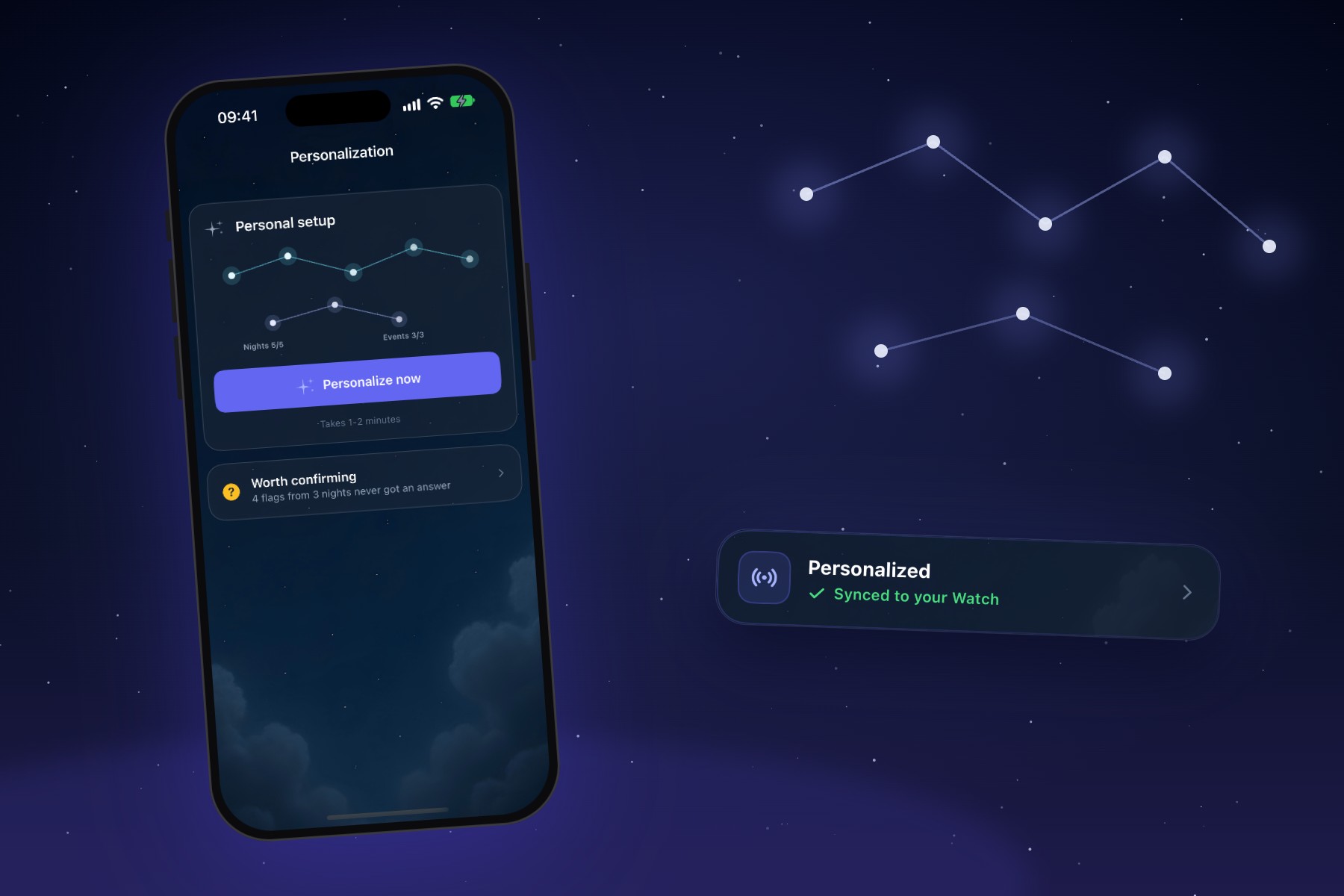
An iPhone showing SleepSafe's Personal setup screen, beside a Personalized card synced to the Apple Watch, under a starry sky.
Two people can have the same nightmare and look completely different to a sensor.
One sleeps with a resting heart rate in the low fifties and barely moves all night. Another runs warmer, turns over constantly, and has a heart rate that wanders on a calm night. A standard detection model has to work reasonably well for both of them, and for everyone in between.
That is a good start. It is not the same as knowing you.
Learning your nights
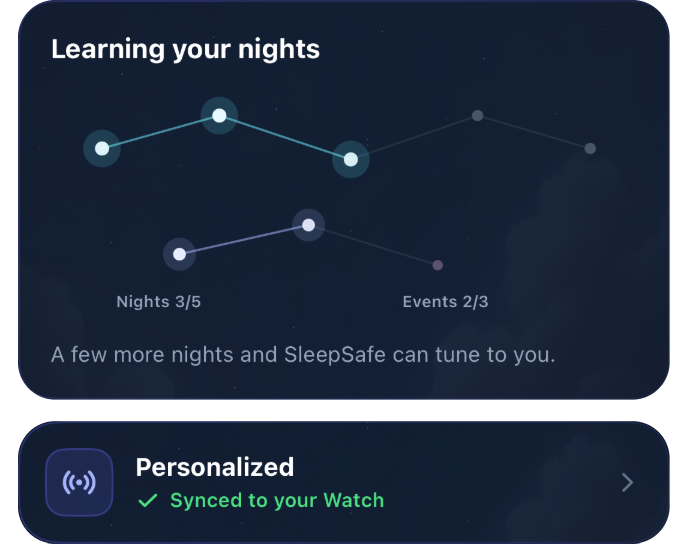
From your first night, SleepSafe starts gathering what it needs to tune itself to you. On the home screen, a card called Learning your nights shows the progress as a small constellation that fills in as you go.
It needs two things: about five full nights of monitoring, and three events you have confirmed in the morning report.
Why your morning answers matter
The confirmations are the heart of it. When SleepSafe asks whether a flagged moment was real, your answer teaches your personal setup what a real event looks like for you, and what a restless but harmless moment looks like too.
The app puts it this way: a yes or no teaches your setup what a real event looks like for you, and "I'm not sure" is a real answer, not a miss. Nothing you skip is held against you.
Personalising
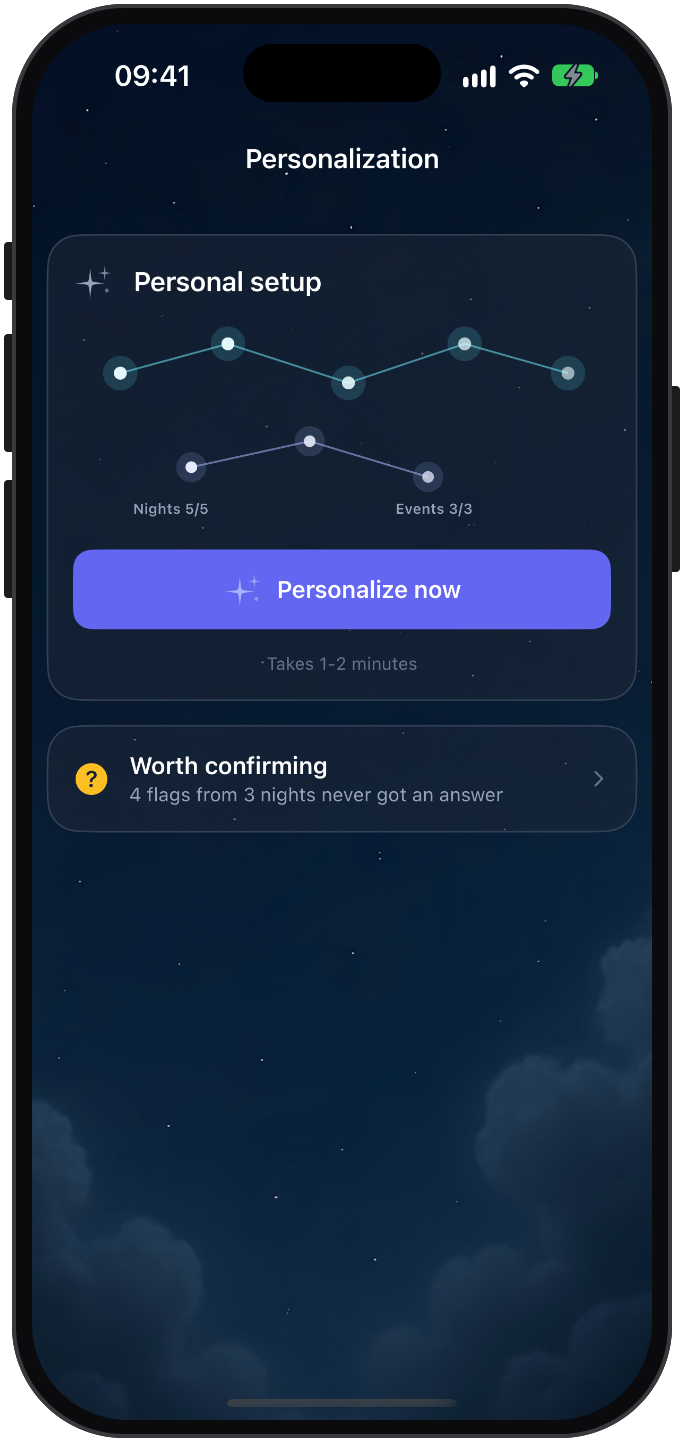
Once the constellation is complete, the Personalization screen offers a single button: Personalize now. It takes a minute or two.
When you personalise, SleepSafe trains a detection model on your own nights, on your iPhone. Alongside your heart rate and movement, it can take into account the context of your nights, such as your stress levels and how much sleep debt you have built up, because those shape how your sleep looks.
The result is then synced to your Apple Watch, which uses it while you sleep.
If some flags from earlier nights never got an answer, SleepSafe gathers them under Worth confirming. A few taps there give your setup more to learn from.
It has to earn its place
A personal setup is only worth having if it is better, so SleepSafe does not take that for granted.
Before switching, it tests the new setup against the one you are already using and against SleepSafe's built-in models, on nights from your own history that the new setup was not trained on. It only switches when the new setup does better than all of them. It also has to stay within a limit on how often it would set off alerts, so a setup that catches more by tapping you all night does not make the cut.
If it does not beat what you have, nothing changes. Your nights stay protected by the setup that is already working.
Keeping it tuned
Your sleep changes over time, so a setup that fits in spring may drift by autumn. With Keep my SleepSafe tuned switched on, SleepSafe re-tunes on its own as you confirm more events. You are only told when it improves, with a short note in your morning report. Re-tuning can use a little more battery, which is why it is your choice.
Private by design
The training happens on your iPhone. Your sleep history lives in your own iCloud, not on SleepSafe's servers, and there is no account to create.
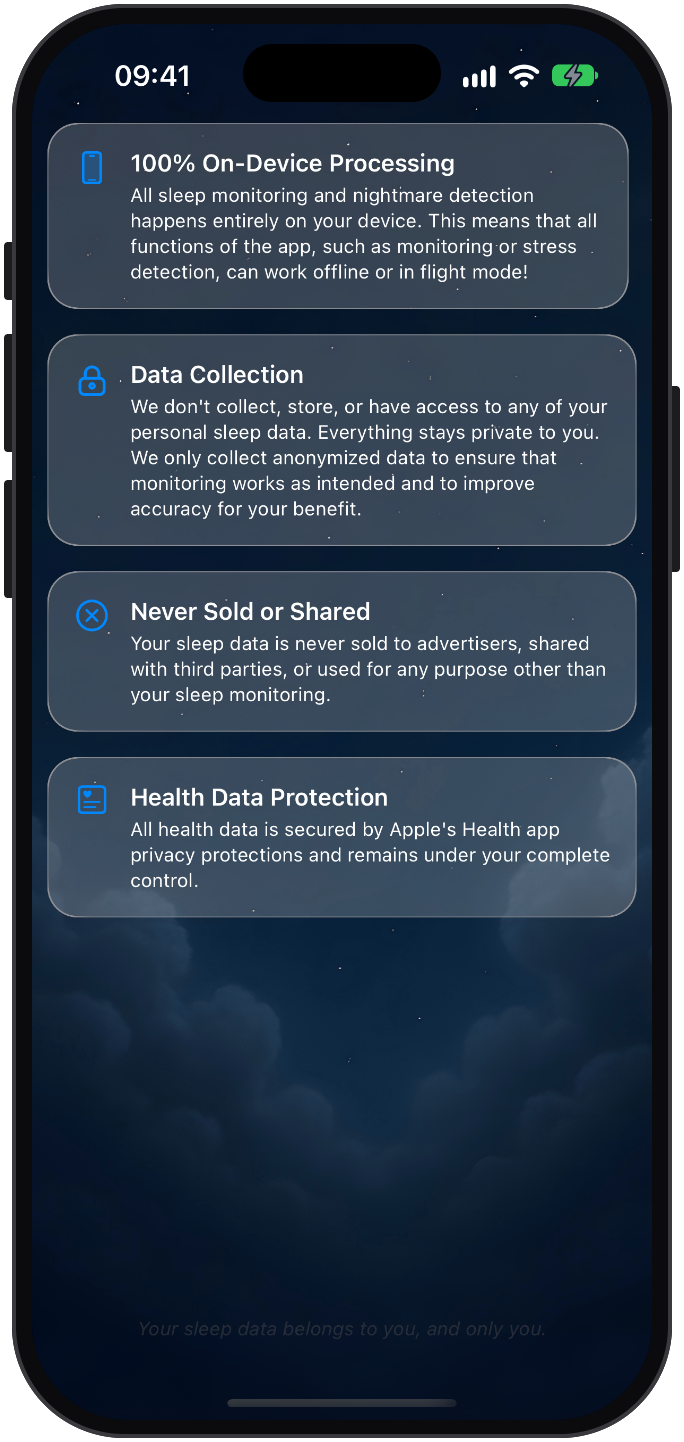
The privacy screen in the app sets out the rest in plain words: detection runs on your devices and works offline, and your sleep data is never sold or shared with advertisers. More on how SleepSafe handles your data.
What to expect
Personalising is not a switch that makes every night perfect. SleepSafe still makes the occasional mistake, and some nights still leave little to detect. What it does is move detection a step closer to your body, based on your own nights and your own answers.
If you are just getting started, here is a guide to your first night. By the fifth, SleepSafe will be ready to learn.
SleepSafe is a wellness app, not a medical device. It does not diagnose or treat any condition.
Common questions
- How long does SleepSafe take to personalise?
- About five full nights of monitoring and three events you have confirmed in the morning report. Personalising itself takes a minute or two.
- Where is my personal setup trained?
- On your iPhone. It is then synced to your Apple Watch, which uses it while you sleep.
- What if the personal setup is not better?
- SleepSafe tests it on your own nights against your current setup and its built-in models, and only switches when the new one does better without setting off alerts too often. Otherwise nothing changes.
- Does answering I'm not sure count against me?
- No. SleepSafe treats I'm not sure as a real answer, and nothing you skip is held against you.