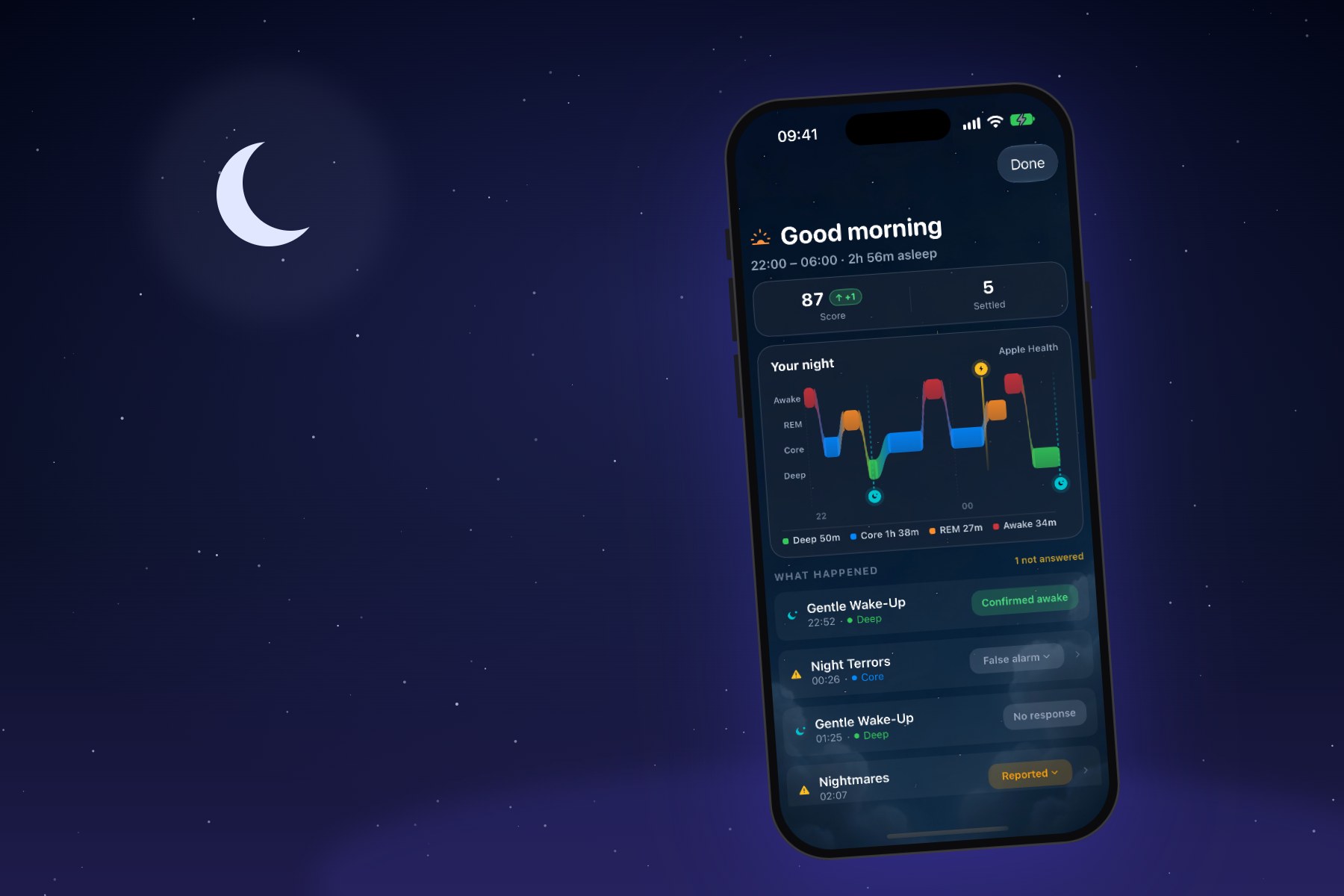
The SleepSafe morning report on an iPhone, under a quiet night sky with a crescent moon.
The first night with anything new at bedtime can feel like a lot. A new app, a watch you might not usually sleep in, a question in the back of your mind about whether it will work.
This guide walks through that first night, step by step, so there are no surprises.
What you need
An iPhone running iOS 17 or later, and an Apple Watch running watchOS 10 or later, both with SleepSafe installed. Here are the exact requirements.
How it works, in three steps
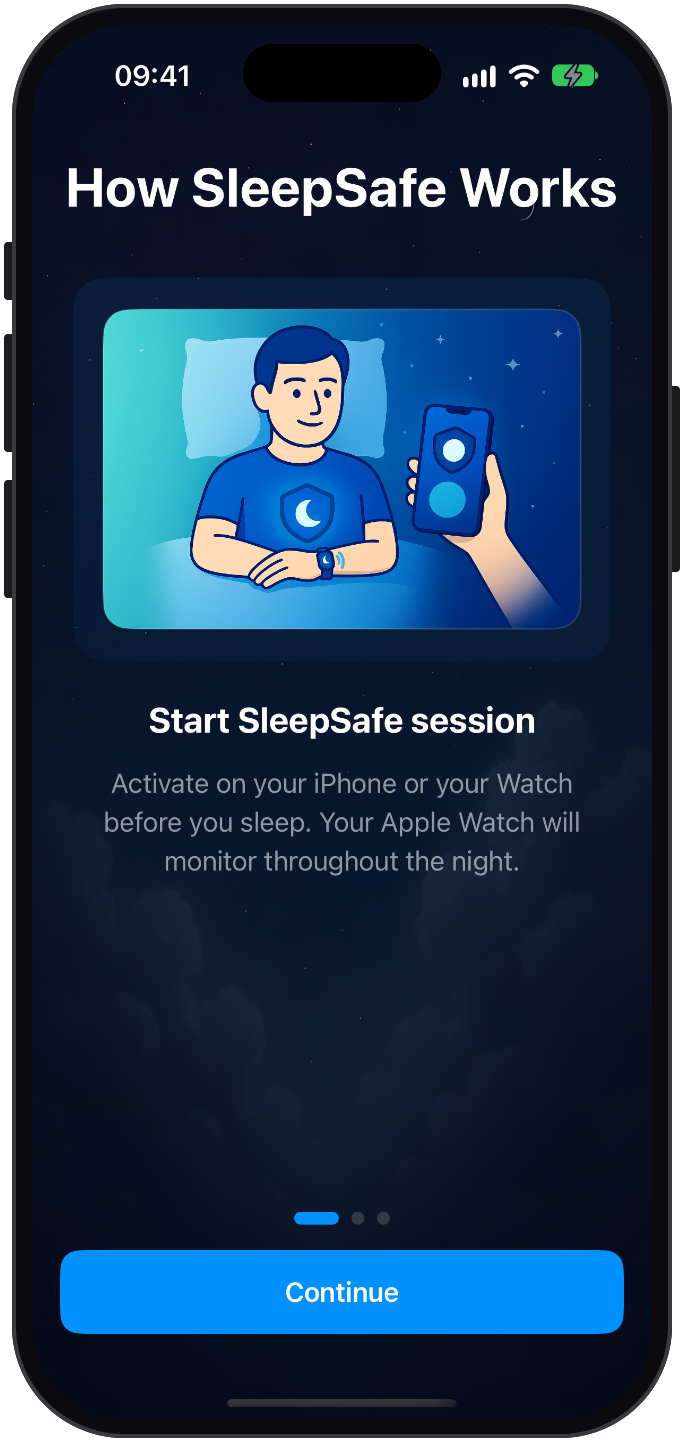
When you first open SleepSafe, it shows you how the night works. You start a session on your iPhone or your Watch. Your Apple Watch watches over you through the night. And in the morning, you review what happened.
That is the whole routine. The rest of this guide fills in the details.
In the evening
Charge your Watch while you get ready for bed. Monitoring keeps the Watch's sensors running all night, which uses battery. Topping it up during your evening routine is easier than charging it overnight.
Feel the taps before you need them. In the Alerts & Response settings, you can try a demo on your Apple Watch and test the vibration. It helps to know what a gentle tap feels like while you are awake.
Wear the Watch as you would during the day. SleepSafe needs it on your wrist to read your heart rate and send the gentle taps.
Starting the night
You can start monitoring from your iPhone or from your Apple Watch. Both work, and the other device picks up the session within seconds.
Start monitoring when you go to bed. You do not need to time it. Every session begins with a 20-minute warm-up with reduced sensitivity, so SleepSafe will not disturb you while you are falling asleep. Here is how the warm-up works.
Your iPhone will show Sleep Monitoring Active, the time you started, and when the session will end on its own. Lock your phone and put it down: the lock screen keeps showing that monitoring is on.
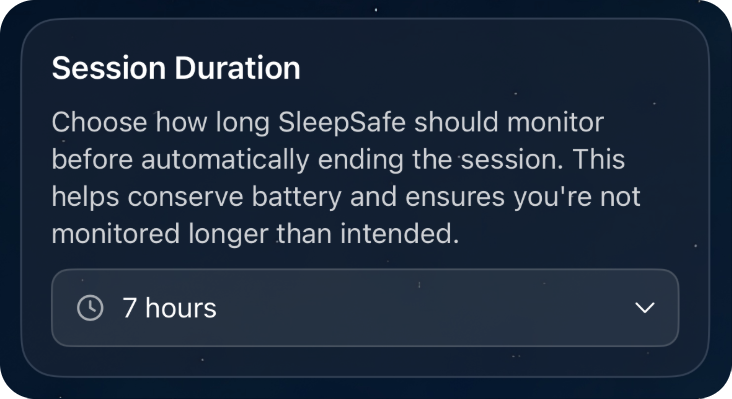
By default a session ends by itself after 7 hours. If your nights are longer or shorter, change it in the session settings, so monitoring covers your whole night without running on through the morning.
While you sleep
Your Apple Watch does the protecting. It reads your heart rate and movement through the night, and if it recognises the start of a nightmare, it responds with gentle taps designed to ease you out of it. Many nights, it will do nothing at all, and that is exactly what you want.
If you use audio monitoring, your iPhone listens too, on the device itself. Keep it nearby and on charge, since listening all night uses the phone's battery.
You can end the session yourself on either device at any time, and both will stop.
In the morning
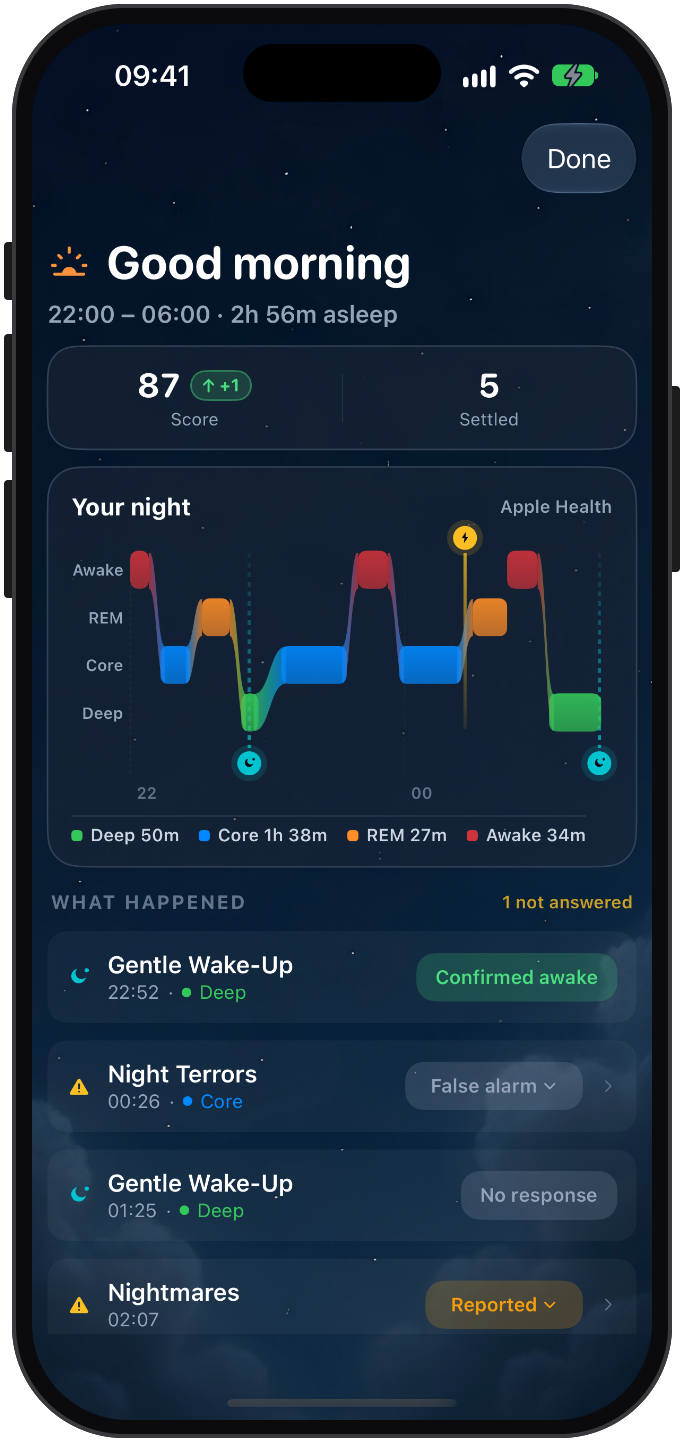
When you open SleepSafe, you are greeted with a morning report.
If SleepSafe flagged anything overnight, it asks you about each moment first: yes, it was; no, false alarm; or I'm not sure. Answer what you can. "I'm not sure" is a real answer, not a failure, and nothing you skip is held against you.
Then comes your night. The sleep stage chart comes from Apple Health, so it appears when Apple's own sleep tracking has recorded the night. Below it, What happened lists each event with its time, its stage of sleep and its status. If you use scheduled wake-ups, they appear in the same list, marked Confirmed awake or No response, and they never count against your night.
The first week
The first night is a starting point. Every full night of monitoring tunes detection to you, and after about five nights, SleepSafe has learned enough of your patterns to build a setup personalised to you.
If you have night terrors at a similar time each night, or someone you look after does, the morning reports will start to show it. That is the moment to set up scheduled wake-ups.
If something seems off
A tap you did not need? Mark it as a false alarm in the morning, and consider lowering the alert sensitivity.
Nothing flagged in the first minutes? That is the warm-up doing its job. For the first 20 minutes, SleepSafe stays quiet so you can fall asleep undisturbed.
No sleep stages? Stages come from Apple Health. If Apple did not record the night, SleepSafe cannot show them.
And if you are stuck, write to sleepsafeapp@outlook.com. A real person reads every message.
SleepSafe is a wellness app, not a medical device. It does not diagnose or treat any condition.
Common questions
- Do I need to start SleepSafe on my iPhone?
- No. You can start monitoring on either your iPhone or your Apple Watch, and the other device picks up the session within seconds.
- When should I start monitoring?
- When you go to bed. The first 20 minutes of every session are a warm-up with reduced sensitivity, so SleepSafe will not disturb you while you fall asleep.
- Does monitoring stop on its own?
- Yes. Sessions end automatically after 7 hours by default. You can change the duration in settings, or stop monitoring yourself on either device.
- Why are there no sleep stages in my morning report?
- Sleep stages come from Apple Health. If Apple's sleep tracking did not record the night, SleepSafe cannot show stages for it.